 Djinious


Counting what a camera sees, not what it detects
Object detection over photos, footage and live streams, materialised as metrics you can alert on.
A detection pipeline runs over a stored video, a public URL or an allow-listed camera stream, and its results land three ways: as time-series metrics, as a searchable knowledge object per run, and optionally as one entity per tracked object.
The tracker is the point — nine hundred boxes of one parked truck is one truck, and that is the number that belongs on a dashboard.
How it runs
Point
Define a pipeline and point it at a document, a URL or an allow-listed stream.
Vision pipelinesDetect
The worker posts detections back incrementally, so a live feed is watchable and a long run survives a crash.
TrackingMaterialize
Results materialize into metrics, a knowledge object, and optionally tracked entities.
MetricsAlert
Alert rules read those metrics like any other telemetry.
Alert rules
The sampling caveat, stated
Tracking assumes consecutive sampled frames overlap. On 1080p60 footage of a single walking worker, a stride of 30 reported 13 distinct people and a stride of 5 reported 2. Detection counts are unaffected; only the unique-object count degrades. Keep the sampled interval under ~0.2 s when that number matters.
Cameras are private-network by nature, so a stream source is refused unless its prefix is on the operator’s allow-list.
Keep exploring
Related use cases
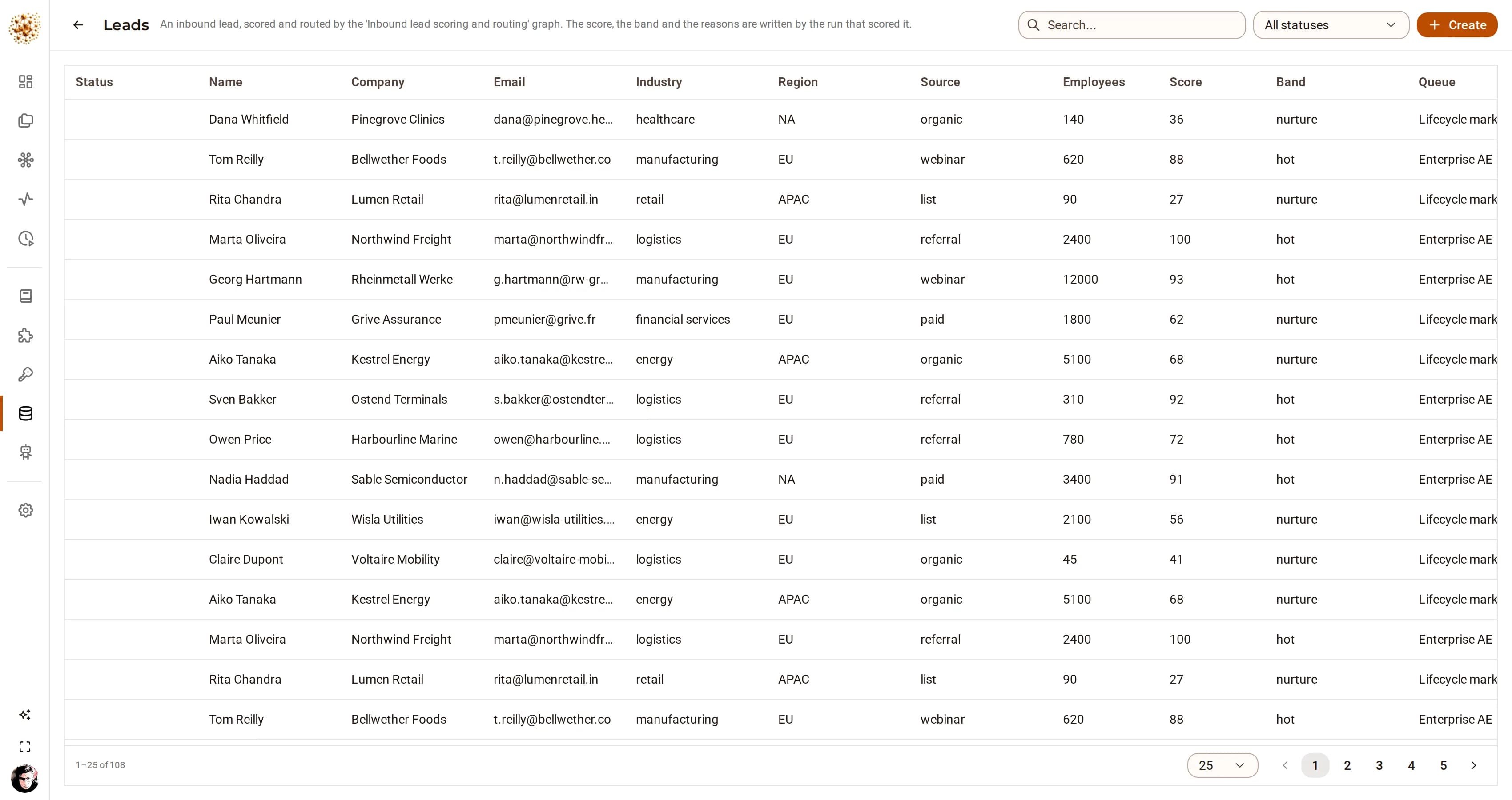
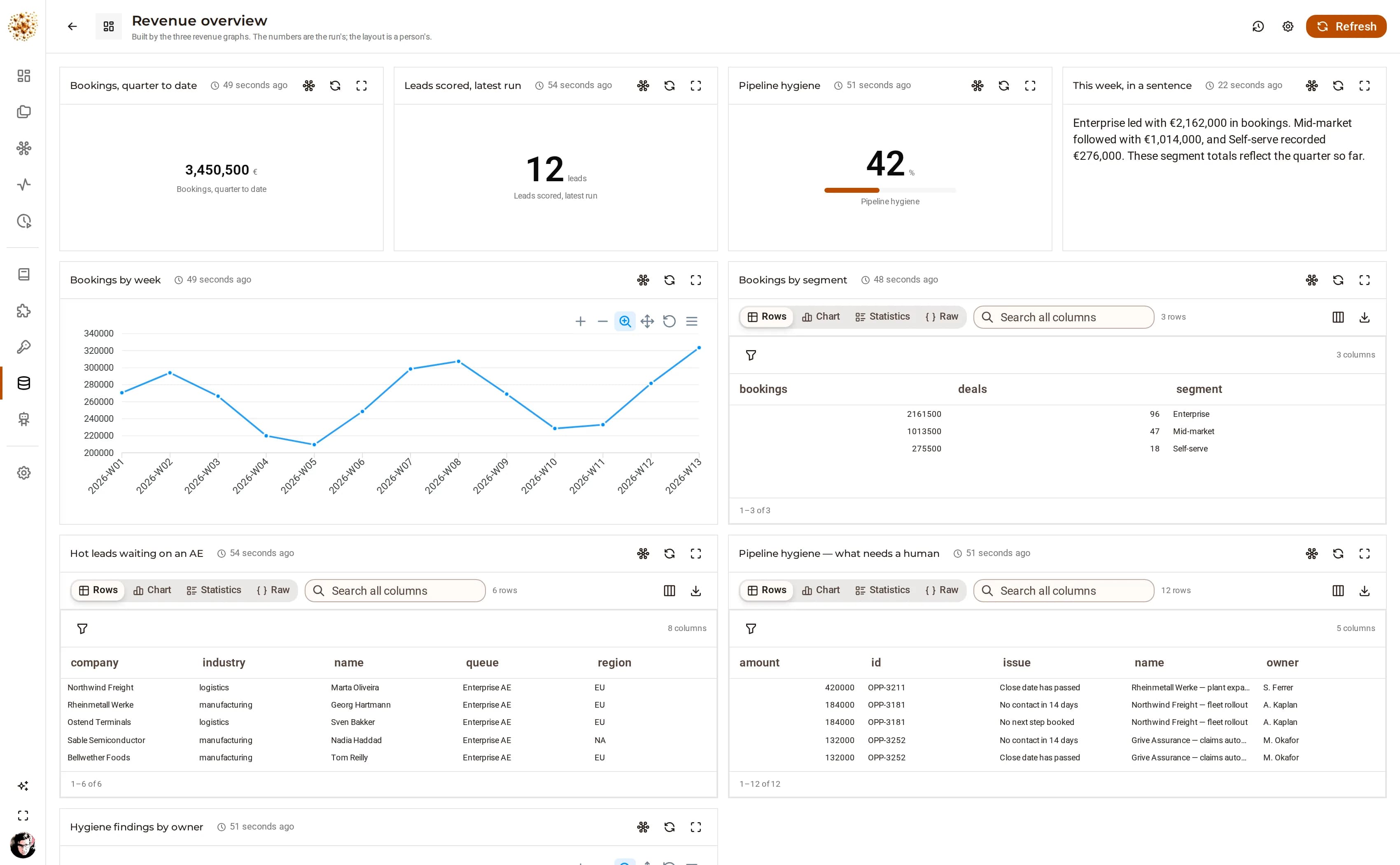 Revenue operationsRevenue operationsInbound leads scored and routed in seconds, the pipeline swept every night, and a revenue page that rebuilds itself before the Monday meeting.
 DjiniousWorkflow
 Customer supportCustomer supportA model reads every ticket, rules do the routing, the clock is watched every quarter hour, and Friday’s digest writes itself.DjiniousWorkflow
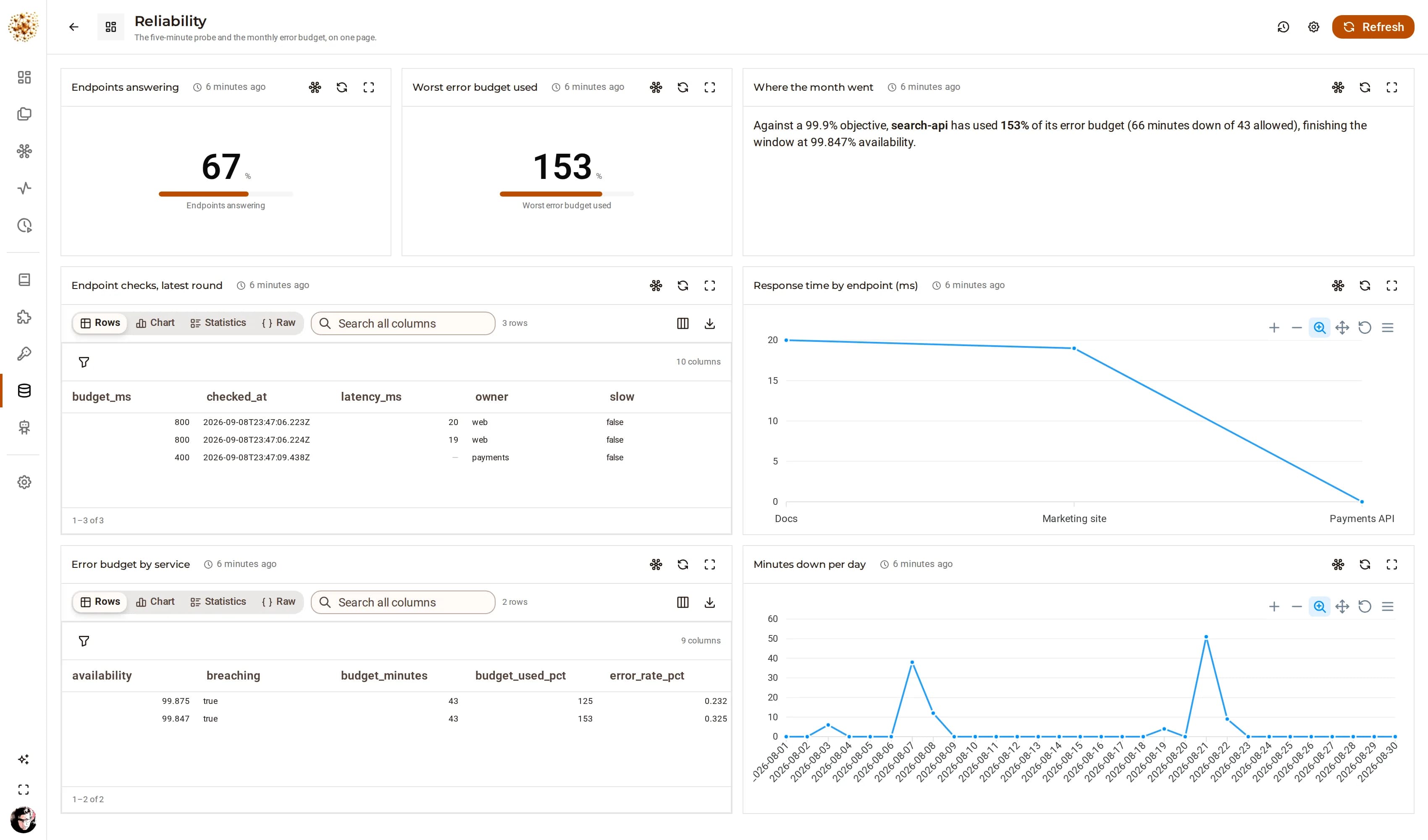 Site reliabilitySite reliabilityEndpoints probed in parallel, incidents opened by the failure itself, and nothing reaching a public status page without a person approving the words.DjiniousWorkflow